
Anthony Hallit
Category Sales Specialist - AV
Attention Alloys Partners: SMART is delivering a powerful double-play of hardware innovation and software intelligence. With the launch of the SMART SoundLift wearable voice amplification system and the upcoming iQ 4.7.2 platform update, you have the perfect high-value, margin-boosting "attach" opportunity to take to your education and corporate customers.
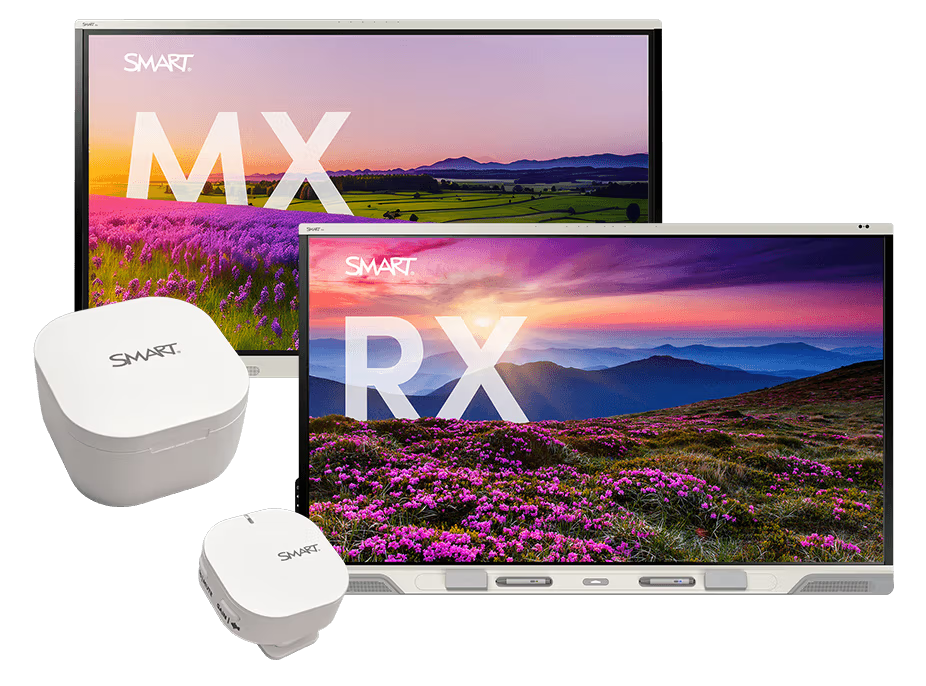


SMART SoundLift
🎙️Clearer Lessons, Naturally Amplified.
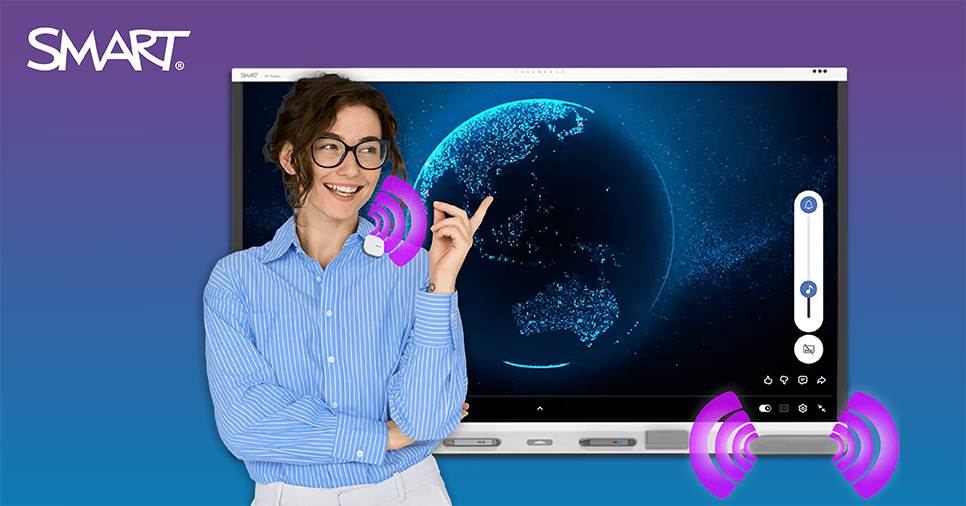
Traditional classroom audio used to require a compromise between expensive, cable-heavy permanent hardware or feedback-prone portable microphones. SMART SoundLift completely redefines classroom audio with an effortless, wearable solution.
Designed to reduce vocal strain for educators and tutors who talk all day , SoundLift ensures instructions are always heard crystal-clear over classroom noise without a "shouting match".
- Out-of-the-Box Brilliance: Pre-paired and ready to connect straight out of the box with 2x included microphones for easy teacher/student interaction.
- Built for the School Day: Offers up to 12 hours of total battery life (including the charging case) and an expansive 98 ft (30m) wireless range.
- Simultaneous Pass-Through: Amplifies the teacher’s voice at the same time multimedia audio plays through the display—no muting, no switching, and zero interruptions.
- Advanced Feedback Suppression: Teachers can write directly on the board and speak simultaneously without harsh audio feedback.
- AI-Enhanced Learning: Crystal-clear voice pickup integrates seamlessly with AI tools to empower more accurate, real-time translation and transcription for multilingual, remote, or hard-of-hearing students.
The Easy Retrofit Sell: SoundLift is engineered to maximize existing technology investments. It integrates seamlessly with existing iQ4-enabled SMART displays, including the SMART Board MX-V5 and RX series.

Upcoming Software Release: iQ 4.7.2
Android 15, Smarter Tools, and Stronger Controls
Available via the Early Access Program at the end of June 2026 (with broad Over-The-Air deployment in July 2026), the iQ 4.7.2 update delivers massive improvements across instruction, security, and administration. This single update strengthens your value-led positioning far beyond hardware.
What’s New for Instruction & AI
- SMART Lasso (Circle to Search): Instantly connect with search and AI capabilities simply by circling content on screen—working across both the iQ native OS and any connected input or computer.
- Ink-to-Shape: Converts freehand sketches into clean, precise geometric shapes in real-time.
- SMART Mirror 4.53: Features a cleaner interface, more intuitive navigation, and now includes AirPlay and Touchback for seamless screen sharing.
What’s New for IT & Administration
- OTA Update to Android 15: Keeps displays automatically secure and up-to-date without extra IT intervention.
- Shared Access Mode: Provides a secure, hands-off method to recover a display locked with a master Android PIN.
- Enhanced Security Guardrails: IT managers can now restrict sign-ins to approved domains or completely enable/disable Guest User access.
- Display-Only Mode: Bypasses the embedded Android completely to use connected computers exclusively. (Available for SMART Board MX (V5), MX (V5) Plus, RX, and QX (V2) Pro series).
What This Means for Alloys Partners
- Effortless Attach Opportunities: The iQ 4.7.2 update officially adds software support for the SMART SoundLift and SMART MultiStylus accessories on iQ4 displays. Note: Customers purchasing these accessories early will receive in-box instructions to enable them ahead of the broad July OTA rollout.
- Value Beyond Hardware: Position yourself as a strategic partner by offering a future-ready, adaptive platform that satisfies both educators demanding AI tools and IT administrators demanding robust security.
- Renewed Lifecycle conversations: Reach back out to your existing SMART Board MX-V5 and RX series user base to pitch the SoundLift audio upgrade alongside the free Android 15 platform refresh.
How to Access iQ 4.7.2 Early Access
- Go to the iQ4 system software section under Downloads on the SMART website.
- Select iQ 4.7.2 system software (early access) from the dropdown menu when available.
- Click “Installing this version on a SMART Board interactive display” for step-by-step instructions. Ensure you review the release notes prior to installation!