
Andrew Whiting
Alloys National Alliance Manager - Print, AV and UC
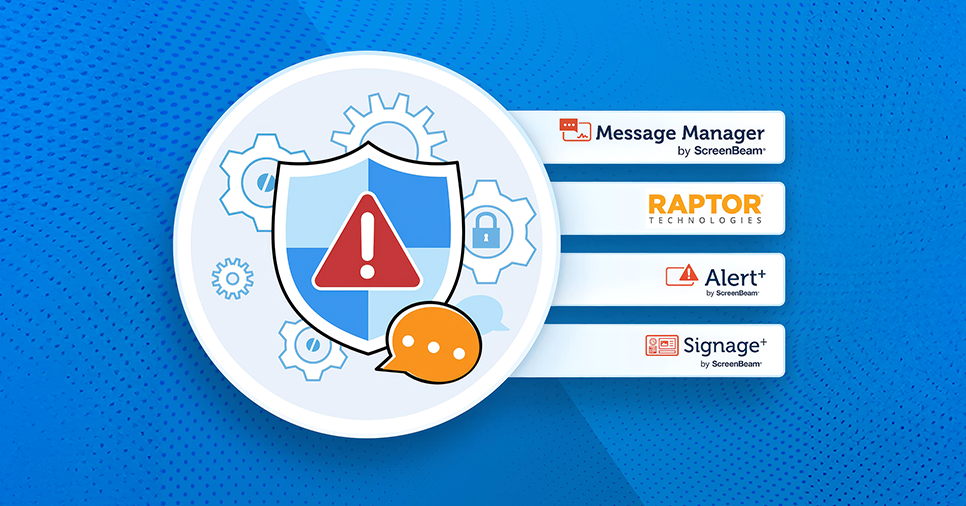
Schools and organisations are under increasing pressure to improve communication, enhance safety, and streamline device management—without adding complexity for staff. The ScreenBeam Administrative Tools Bundle delivers a powerful ecosystem designed to make communication easier, faster, and more effective across any modern campus.
Available through Alloys, this bundle extends the capabilities of ScreenBeam receivers, transforming them into dynamic communication tools that support everyday messaging, urgent alerts, and soon—full-featured digital signage.
A Unified Toolkit for Safer, Smarter Communication
A unified toolkit designed to enhance safety, communication, and efficiency across your entire campus, the ScreenBeam Administrative Tools Bundle brings together three powerful solutions purpose-built for Administrative, IT, and Front Office teams. Whether you’re managing day-to-day communications, coordinating announcements, or responding to critical incidents, this suite provides the tools you need to keep every classroom and workspace informed, connected, and secure.

Clear, Non-Disruptive Communication
Key features:
-
Scrolling text ticker or half/full-screen text messages
-
Ability to push static JPEG messages
-
Browser-based, mobile-friendly interface
-
Schedule messages or integrate with bell-based timetables
-
Send messages to a classroom, building, or the entire campus
For non-urgent updates like reminders, timetable changes, and announcements, Message Manager provides seamless communication that keeps learning uninterrupted.

Instant, Campus-Wide Emergency Alerts
When every second counts, Alert+ allows staff to take over any ScreenBeam-connected display with urgent announcements.
Designed for critical situations, Alert+ includes:
-
Templates aligned with I Love You Guys Standard Response Protocol
-
Predefined staff roles with SSO
-
Panic and silent alert capabilities
-
Event logging for incident tracking
-
Team Assist to request help during localised incidents
3rd Party EMS Support & Advanced Safety Features
Alert+ integrates seamlessly with third-party Emergency Management Systems (EMS), making it easier for schools to streamline and strengthen their safety workflows. With support for wearable alert badges and mobile applications, staff can trigger alerts quickly and discreetly when every second counts.
Key capabilities include:
-
Wearable Badge & Mobile App Support for fast, accessible alert activation
-
Compatibility with the I Love You Guys Foundation’s Standard Response Protocol (SRP)
-
Intuitive, user-friendly interface designed for all staff levels
-
Silent alert options for First Responders
-
Team Assist to request immediate help for localised incidents
-
Integration with existing school safety technologies
-
Event Logging to capture incident details, triggers, and responses for reporting and review
These features ensure schools can manage safety events with confidence, accuracy, and speed.

Turn Every Screen into a Communication Hub - Coming Soon
The upcoming Signage+ platform expands ScreenBeam even further, enabling advanced content scheduling and digital signage functionality.
Expected capabilities include:
-
Cloud-based management
-
Curated playlists and scheduling tools
-
Multi-zone content layouts
-
Built-in widgets (clocks, timers, calendars)
-
Support for audio, video, PowerPoint, Google Slides, YouTube and more
-
Role-based user management
Signage+ will allow schools and businesses to maximise every display on campus—without investing in separate signage systems.
Compatible Hardware
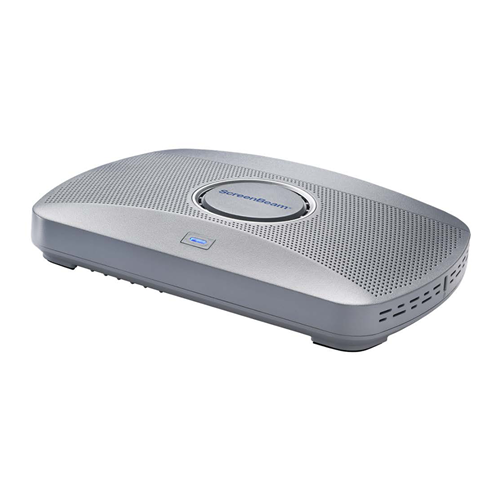
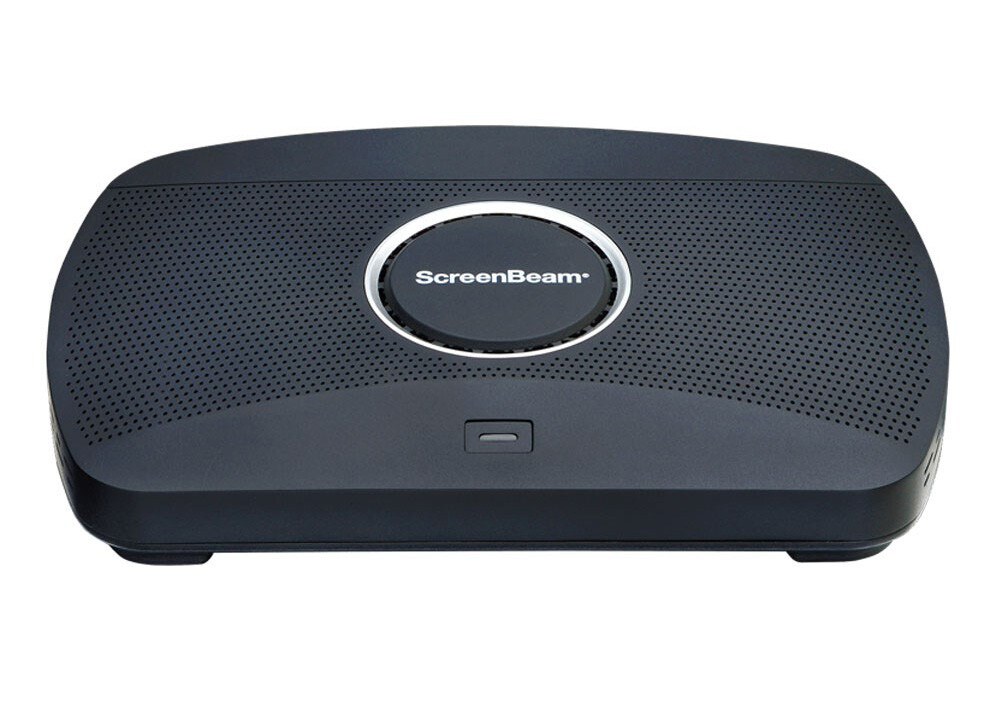
The Administrative Tools Bundle works with the following ScreenBeam receivers:
 |
 |
 |
ScreenBeam 1000 EDU Gen 2A complete wireless presentation and collaboration solution built for K–12 learning environments. Includes digital whiteboarding, instant alerts, screen sharing, and signage—perfect for modern classrooms. |
ScreenBeam 1100 PlusA premium wireless collaboration platform for enterprise and higher-ed spaces. Designed for hybrid work, flexible conferencing, and secure deployment across large facilities. |
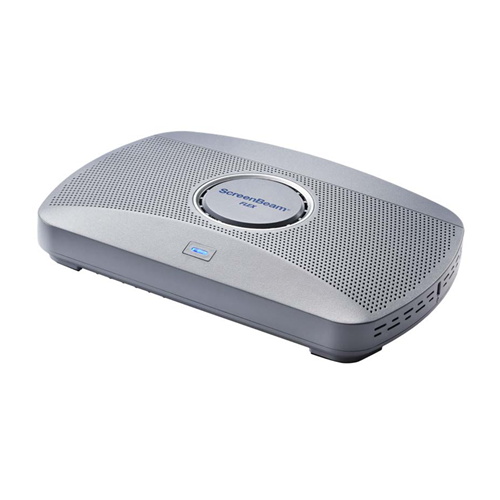
ScreenBeam FLEXA cost-effective, easy-to-deploy wireless presentation solution ideal for Higher Education and SMB environments. Supports app-free screen sharing and all major conferencing platforms. |
Why ScreenBeam for Schools and Enterprise?
By combining communication, emergency alerting, wireless display, and signage capabilities, ScreenBeam offers a truly all-in-one platform. Schools and organisations benefit from:
-
Lower hardware and deployment costs
-
Streamlined device management
-
Safer, more responsive campus environments
-
Simplified communication for staff
For resellers, ScreenBeam provides a compelling end-to-end solution that supports modernisation projects across both education and enterprise sectors.
Partner With Alloys
As an authorised ScreenBeam distributor, Alloys supports partners with product training, sales resources, and local stock availability to help deliver better communication and safety solutions for customers.
If you’d like help positioning ScreenBeam solutions or would like more information about the Administrative Tools Bundle, reach out to your Alloys Account Manager.