
Steve Trang
Category Sales Specialist - AV
What software update 6.8.20.87 delivers for Owl Bar
Owl Bar Software Update 6.8.20.87 is now available, bringing smarter camera tracking, improved audio performance, and enhanced device management for hybrid meeting rooms.
What’s New?
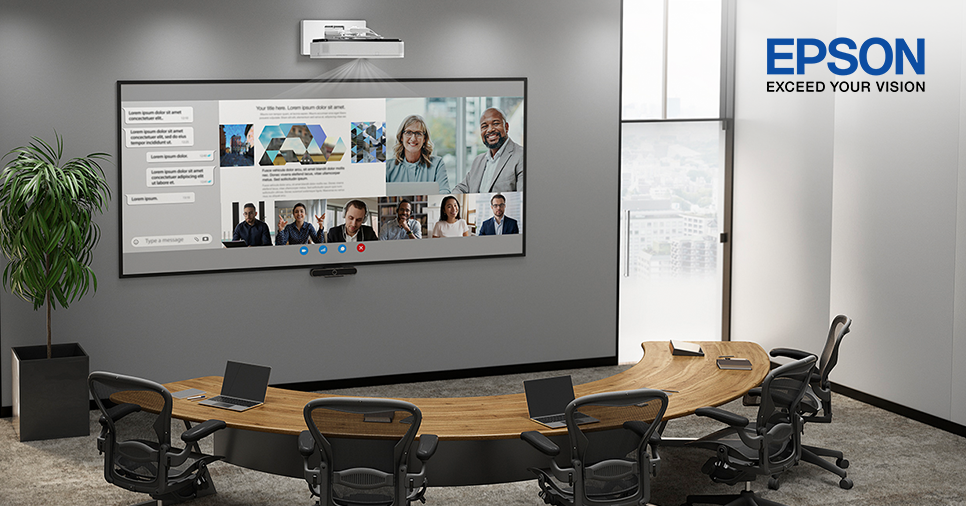
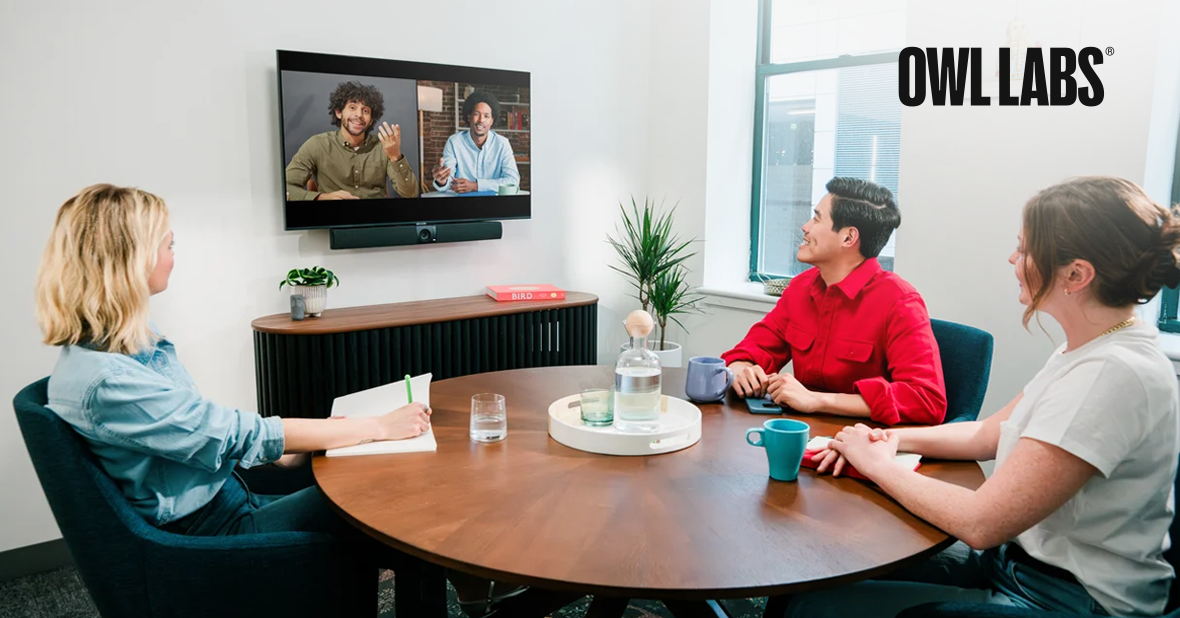
The headline enhancement is Auto Ignore Zone. This prevents the Owl Bar from locking onto faces displayed on an in-room TV while still tracking real people. In a 10-seat hybrid boardroom with a large display, this reduces distracting camera jumps and keeps the focus on local participants instead of remote attendees.
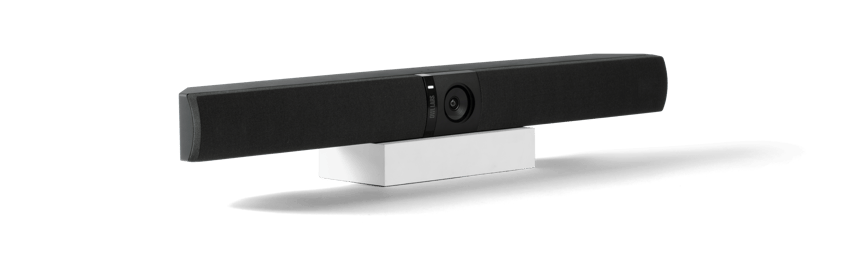
Auto Ignore Zone
Prevents Owl Bar from focusing on faces displayed on in-room TVs, keeping attention on people in the room.
Wired Pairing
Adds a wired pairing option for a more reliable connection in busy Wi-Fi environments.
Speaker Boost
Increases speaker loudness by up to 6 dB for larger or noisier rooms.
Grid Mode & Pano Customisation
Offers more flexible video layouts and panoramic strip positioning when devices are paired.
Multipurpose Button Disable
Allows IT teams to lock down mode changes in managed meeting spaces.
Additional Improvements
- Fixes unexpected reboots and incorrect mode switching
- Improves talk-time and participant-count accuracy in Nest Analytics
- Enhances overall stability and meeting performance
How to Update